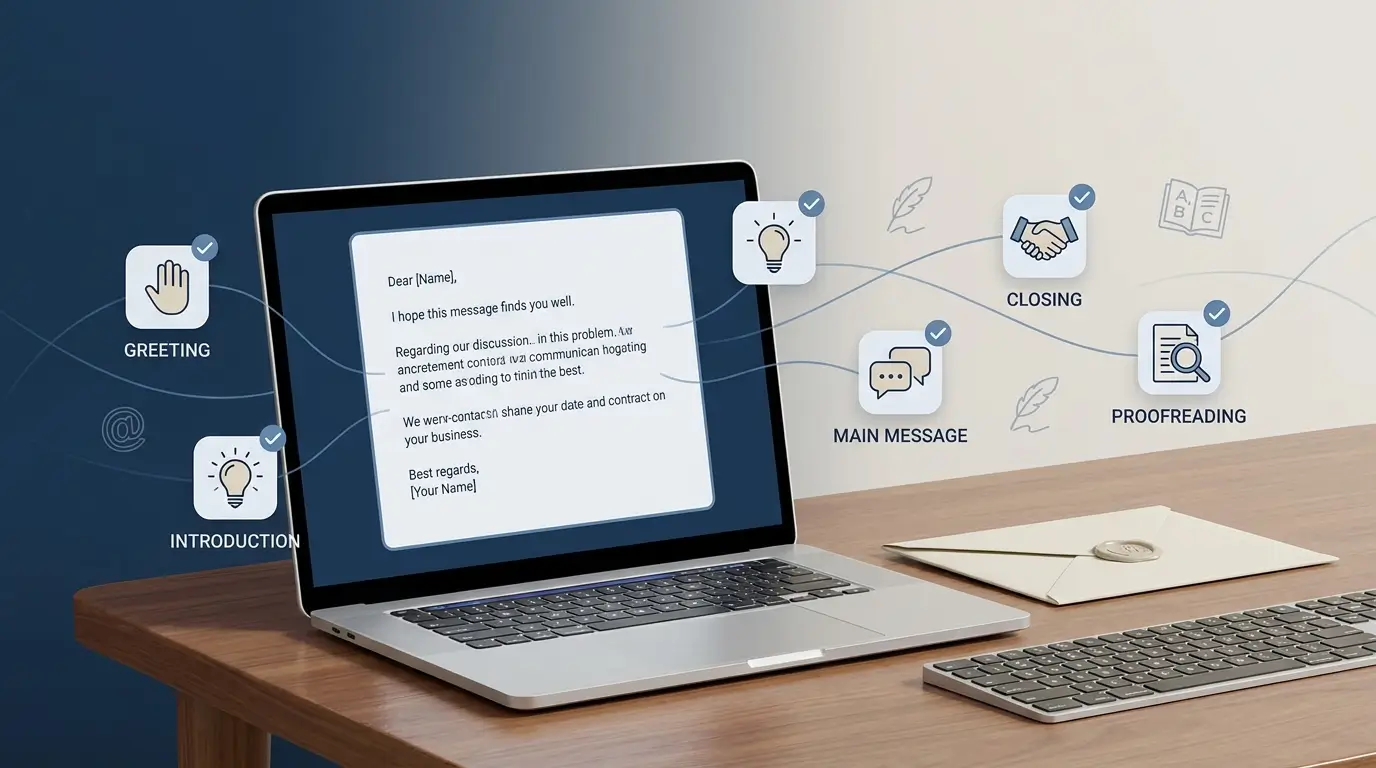
Should the email start with "Dear Sir or Madam," or is a plain "Hi" fine? How do you ask for something without sounding pushy? What actually belongs in the closing line? And at what point does a work email become too long?
Questions like these trip up more people than you'd expect — including plenty of fluent English speakers, not just learners. The reassuring part is that writing an effective professional email doesn't require complicated vocabulary. In most workplace situations, clear, polite, reasonably short English beats anything more elaborate.
This guide walks through five steps for writing a professional email in English, with useful phrases and ten ready-to-use templates for the situations that come up again and again at work.
What Actually Makes an Email Professional?
A professional email tends to follow a fairly predictable shape: a clear subject line, an appropriate greeting, a direct opening, a clear request, and a polite sign-off. That's really most of it. The goal is simply to let the reader understand your message quickly and know exactly what you need from them, without rereading it twice.
None of that requires sounding complicated. Compare "I am writing this email with the humble request that you kindly provide me with the information at your earliest possible convenience" with "Could you please send me the updated information by Friday?" The second version says the same thing in a fraction of the words, and it's considerably easier to act on.
Step 1: Write a Clear Subject Line
The subject line is the first thing anyone sees — often the only thing they see before deciding whether to open the message at all. It should tell the reader what the email is about without making them open it to find out.
Vague subjects like "Hi," "Important," "Request," "Question," or "Please read" don't really do that job. Something like "Meeting Request: Project Planning" or "Leave Request: June 10–12" does. A few other examples worth borrowing: "Application for Marketing Assistant Position," "Follow-Up: Product Proposal," "Updated Report for Review," "Question About Next Week's Training," "Invoice #4582 – Approval Required."
A rough formula that tends to work: topic + action or purpose. "Project Proposal – Feedback Requested" tells the reader both what the message concerns and what you actually want from them, in about five words.
Step 2: Choose the Right Greeting
The greeting should roughly match your relationship with the person on the other end.
If you know the recipient's name and it's a formal or first-contact email, something like "Dear Ms. Carter," or "Dear Mr. Wilson," still reads as appropriate. For a colleague you already know, "Hi Sarah," or "Hello David," works fine — in a lot of modern workplaces, "Hi + first name" is entirely professional, especially among coworkers.
If you genuinely don't know a name — you're writing to a department rather than a specific person — "Dear Hiring Manager," or "Dear Customer Service Team," reads more naturally than the older "Dear Sir/Madam," even though that phrase is still understood everywhere.
When you're not sure how formal to be, it's usually safer to start a bit more formal and adjust once you see how the other person writes back to you.
Step 3: Explain Why You're Writing
Don't bury the purpose of the email under a long warm-up.
"I hope you're doing well. I just wanted to take a moment to reach out regarding something that I was hoping we might possibly be able to discuss when you have some free time" takes over forty words to say almost nothing. "I'm writing to discuss the schedule for next week's meeting" gets there in ten.
A few opening phrases that tend to work well: "I'm writing to ask about...", "I'm writing regarding...", "I'd like to confirm...", "I wanted to follow up on...", "I'm contacting you about...", "I'd like to request...", "I'm pleased to let you know that...", "I wanted to provide a quick update on..."
Step 4: Make Your Request Clear
Once the reader knows why you're writing, tell them exactly what you need. Be specific.
"Please send me the information" leaves too much open. "Could you please send me the updated sales report by Thursday afternoon?" answers three questions at once — what's needed, who needs to do it, and when.
A handful of polite request phrases worth keeping on hand: "Could you please...?", "Would you be able to...?", "Could you let me know...?", "Would it be possible to...?", "I'd appreciate it if you could...", "When you have a chance, could you...?"
It's worth avoiding blunt commands like "Send this immediately." "Could you please send this by the end of the day?" gets the same result without sounding like an order. If something is genuinely urgent, a specific deadline communicates that far better than writing "ASAP" — which, in practice, everyone seems to interpret slightly differently anyway.
Step 5: Close Politely and Sign Off
Before ending the email, make sure the reader knows what happens next.
A short closing line does that: "I look forward to hearing from you," "Please let me know if you have any questions," "Thanks for your help with this," "I appreciate your time and consideration," or "Please let me know if you need any additional information."
Then a sign-off. "Best regards," "Kind regards," "Sincerely," and "Thanks," each work for most everyday workplace emails — none of them will read as wrong in the vast majority of situations.
A Simple Email Formula
If you're ever stuck on what to write, this order tends to hold up across nearly every situation: subject, then greeting, then purpose, then request, then deadline, then closing, then your name.
Fig. 1 — The seven-part email formula
A General Template You Can Adapt
10 Ready-to-Use Templates for Common Situations
These cover most of the everyday emails you're likely to write at work. Swap in your own details, and loosen or tighten the tone depending on who you're actually writing to.
1. Asking for Information
2. Requesting a Meeting
3. Following Up on an Email
4. Sending an Attachment
5. Requesting Time Off
6. Apologizing for a Delay
7. Asking for Feedback
8. Applying for a Job
9. Networking Email
10. Politely Declining a Request
Useful Professional Email Phrases
You don't need hundreds of expressions memorized. A small, reliable set covers most situations.
| Purpose | Useful Phrases |
|---|---|
| Starting an email | "I'm writing regarding..." / "I'd like to ask about..." |
| Giving an update | "I wanted to provide a quick update..." |
| Making a request | "Could you please...?" / "Would you be able to...?" |
| Asking for clarification | "Could you clarify...?" / "Could you please explain...?" |
| Following up | "I'm following up on..." / "I wanted to check in regarding..." |
| Mentioning an attachment | "I've attached..." / "Please see the attached..." |
| Giving a deadline | "Could you please send this by Friday?" |
| Asking for feedback | "I'd appreciate your feedback on..." |
| Closing | "Please let me know if you have any questions." |
| Ending | "Best regards," / "Kind regards," / "Thanks," |
Formal vs. Friendly Professional Emails
Not every workplace email needs to sound formal. The right tone really depends on who you're writing to, why, and how well you already know them.
A more formal register tends to suit a client you don't know yet, a hiring manager, a senior executive, a government or professional body, or anyone you've never contacted before:
"Dear Ms. Johnson, I'm writing regarding the proposal submitted on Monday. Could you please confirm whether you've had an opportunity to review it?"
A lighter tone usually fits familiar colleagues better:
"Hi James, Just following up on the presentation. Could you send me the latest version when you get a chance? Thanks!"
Professional doesn't mean unnecessarily complicated — it just means appropriate to the relationship.
Common Email Mistakes to Avoid
1. Using a Vague Subject Line
"Question" doesn't tell the reader enough. "Question About Friday's Training Session" does.
2. Writing One Huge Paragraph
Large blocks of text are genuinely harder to scan, especially on a phone. Short paragraphs and bullet points carry several pieces of information far better than one dense block does.
3. Burying Your Main Request
Don't make the reader reach the bottom of the email to work out what you actually need. State your purpose early — ideally in the first sentence or two.
4. Using Overly Complicated Language
Trying to sound sophisticated can backfire and read as less professional, not more. Simple words that communicate the idea clearly usually win.
5. Forgetting the Attachment
If you mention an attachment, check that it's actually attached before you hit send — this one is embarrassingly common.
6. Using an Unclear Deadline
"Please send this ASAP" means something different to everyone who reads it. "Could you please send this by 3 p.m. Thursday?" doesn't leave room for interpretation.
7. Sending Without Proofreading
A quick pass before sending can catch a surprising number of problems: spelling, grammar, names, dates, attachments, email addresses, tone, deadlines. It only takes thirty seconds, and it's the thirty seconds most people skip.
Before and After: What Actually Changes
Less effective:
More professional:
The second version isn't more professional because it uses fancier vocabulary — it barely uses any. It works because the purpose, the request, and the deadline are all immediately clear, which is really the whole game.
How Long Should a Professional Email Be?
Most routine work emails should be fairly short. Before sending, it's worth asking: could the recipient understand what you need within a few seconds of opening it? If yes, you're probably fine.
For more complicated topics, a few tools help: short paragraphs, bullet points, headings, a clear deadline, and a specific, singular request rather than five buried inside one message. If the email starts running several screens long, it might be worth asking whether a quick call or a short meeting would actually serve the situation better than more paragraphs would.
A 30-Second Checklist Before You Hit Send
- ☐ Is the subject line specific?
- ☐ Did I use an appropriate greeting?
- ☐ Is my purpose clear in the opening?
- ☐ Did I clearly state what I need?
- ☐ Did I include a deadline if necessary?
- ☐ Is the tone polite and professional?
- ☐ Did I check spelling, names, dates, and attachments?
Seven boxes checked, and the email is considerably more likely to land the way you intended.
Frequently Asked Questions
How do you start a professional email in English?
Start with an appropriate greeting, then a short sentence explaining why you're writing — for example, "Dear Ms. Brown, I'm writing to confirm the details of our meeting next Tuesday." For a colleague, "Hi Daniel," usually works just as well.
What is the best way to end a professional email?
A brief closing sentence followed by a professional sign-off tends to be enough — something like "Please let me know if you have any questions. Best regards, Emma." "Best regards," "Kind regards," and "Thanks," all cover most professional situations without overthinking it.
How do I politely ask for something in an email?
Phrases like "Could you please send me the updated document?" or "Would you be able to confirm the meeting time?" tend to land well. Adding a specific deadline usually makes the request clearer still.
Should professional emails always be formal?
Not necessarily. It depends on the recipient and the situation — a client or an unfamiliar senior colleague probably calls for a more formal tone, while a message to a familiar teammate can be noticeably more conversational.
How can I improve my professional email writing?
Practicing short emails for common workplace situations tends to help more than studying grammar rules in isolation. Pay attention to subject lines, polite request phrases, sentence length, and closing lines. Before sending, it's worth reading the email once from the recipient's point of view and asking whether the purpose and the requested action are obvious within the first few seconds.
Final Takeaway
Writing a professional email in English doesn't require complicated vocabulary or overly formal expressions.
Focus on clarity, politeness, and purpose. Use a specific subject line, choose a greeting that fits the relationship, explain why you're writing, make the request clear, and close with something professional. Once that structure feels natural, it adapts to almost any workplace situation without much extra thought.
Professional English was never really about sounding complicated. It's about making the message easy to understand and, just as importantly, easy to respond to.